

Listen to this story
Working from home isn’t a pandemic leftover anymore. It’s ordinary life. In the Bureau of Labor Statistics’ latest American Time Use Survey, covering 2025, 35 percent of employed people did some or all of their work at home on the days they worked. That included 38 percent of employed women and 31 percent of employed men.
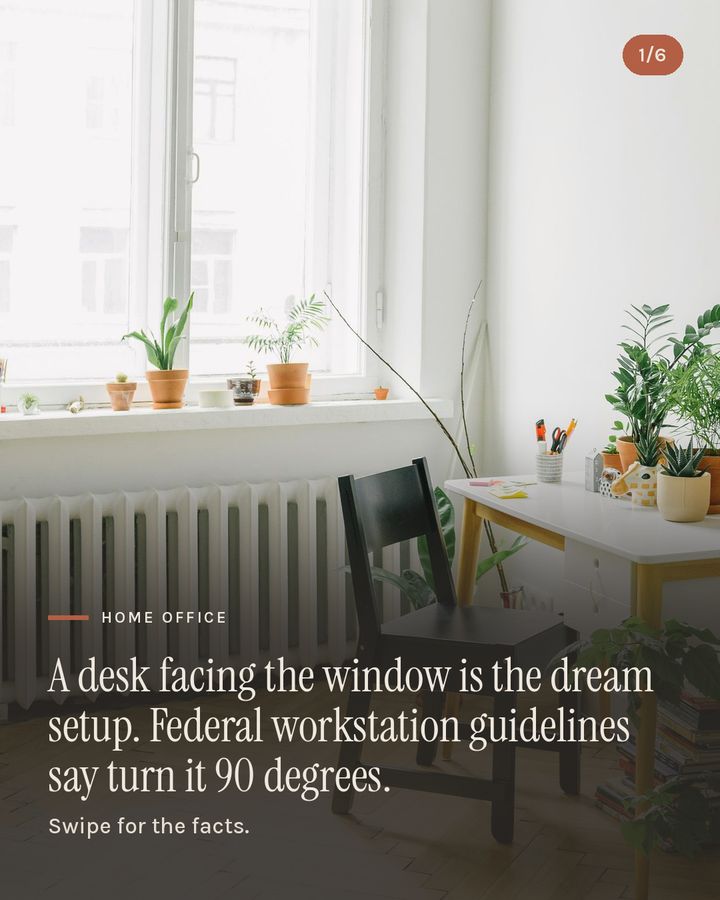
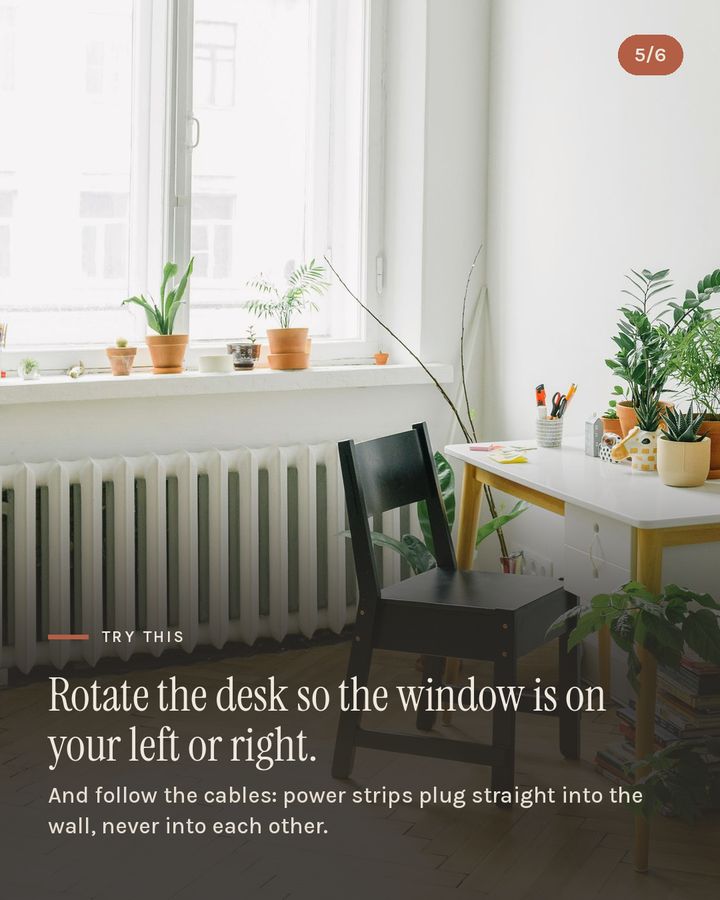
So a lot of us have set up a desk somewhere in the house, and very often we put it in the prettiest spot: facing the window, or with the window right behind the screen.
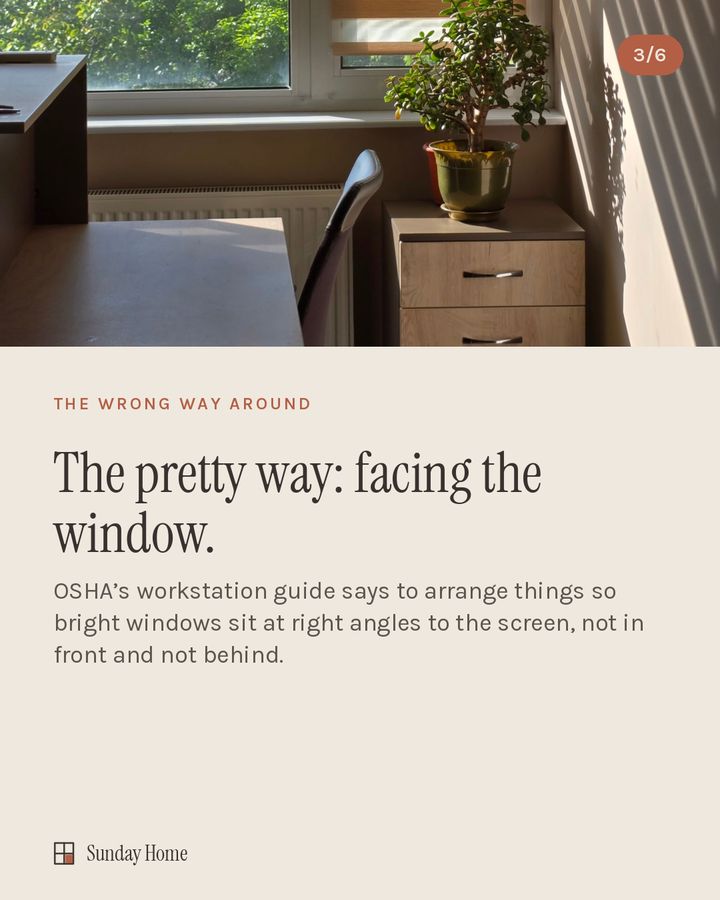
The occupational safety agency OSHA publishes a computer workstation guide, and it takes a different view. Its advice is to arrange things so bright windows sit at right angles to the screen, meaning the window is beside you, not in front of you and not behind you.
The reasoning is simple. Face the window, and your eyes keep adjusting between a bright sky and a dimmer screen. Put the window behind you, and the daylight lands on the screen as glare.
OSHA’s guide has a few more details that are easy to miss:
- Blinds depend on the direction a window faces. Vertical blinds work best on east- and west-facing windows, and horizontal blinds on north- and south-facing ones.
- Dust counts. A layer of dust on the screen can add to glare.
And one quick safety note for the cable nest under the desk. The Electrical Safety Foundation International points out that a typical power strip doesn’t protect against power surges. Only a surge protective device does. It also says power strips should plug straight into the wall, never into each other.
Home & Out
Try this at home
- Rotate the desk so the window is on your left or right.
- Wipe the screen with a dry microfiber cloth, or follow your device maker’s instructions.
- Check the blinds against the direction your window faces.
- Follow the cables. If one power strip plugs into another, unplug the chain. If you need more outlets than your walls have, that’s a question for an electrician.
Show us your work-from-home corner: which way does your desk face?
The carousel — scroll sideways
Sources
Everything above is checked against these. Open any of them.
- Bureau of Labor Statistics, American Time Use Survey, 2025 results (released June 2026)https://www.bls.gov/news.release/atus.nr0.htm
- OSHA, Computer Workstations eTool, Workstation Environmenthttps://www.osha.gov/etools/computer-workstations/workstation-environment
- OSHA, Computer Workstations eTool, Monitors (“Place monitor perpendicular to window”)https://www.osha.gov/etools/computer-workstations/components/monitors
- ESFI, Surge Protective Deviceshttps://www.esfi.org/program/surge-protective-devices/
- ESFI, Extension Cord Safety Tipshttps://www.esfi.org/extension-cord-safety-tips/
Next story
 Kitchen